How to use Fanket
Step by step, from your first sign-in to your first payout. Each section says why it matters, who needs it, and shows every click.
Check it on Solscan
Solscan is a public record of every Solana transaction. Fanket can’t edit it.
Use it to see for yourself that your money is there.
Anyone who wants to check their money on their own.
Optional — Fanket works without it.
Open it from Fanket
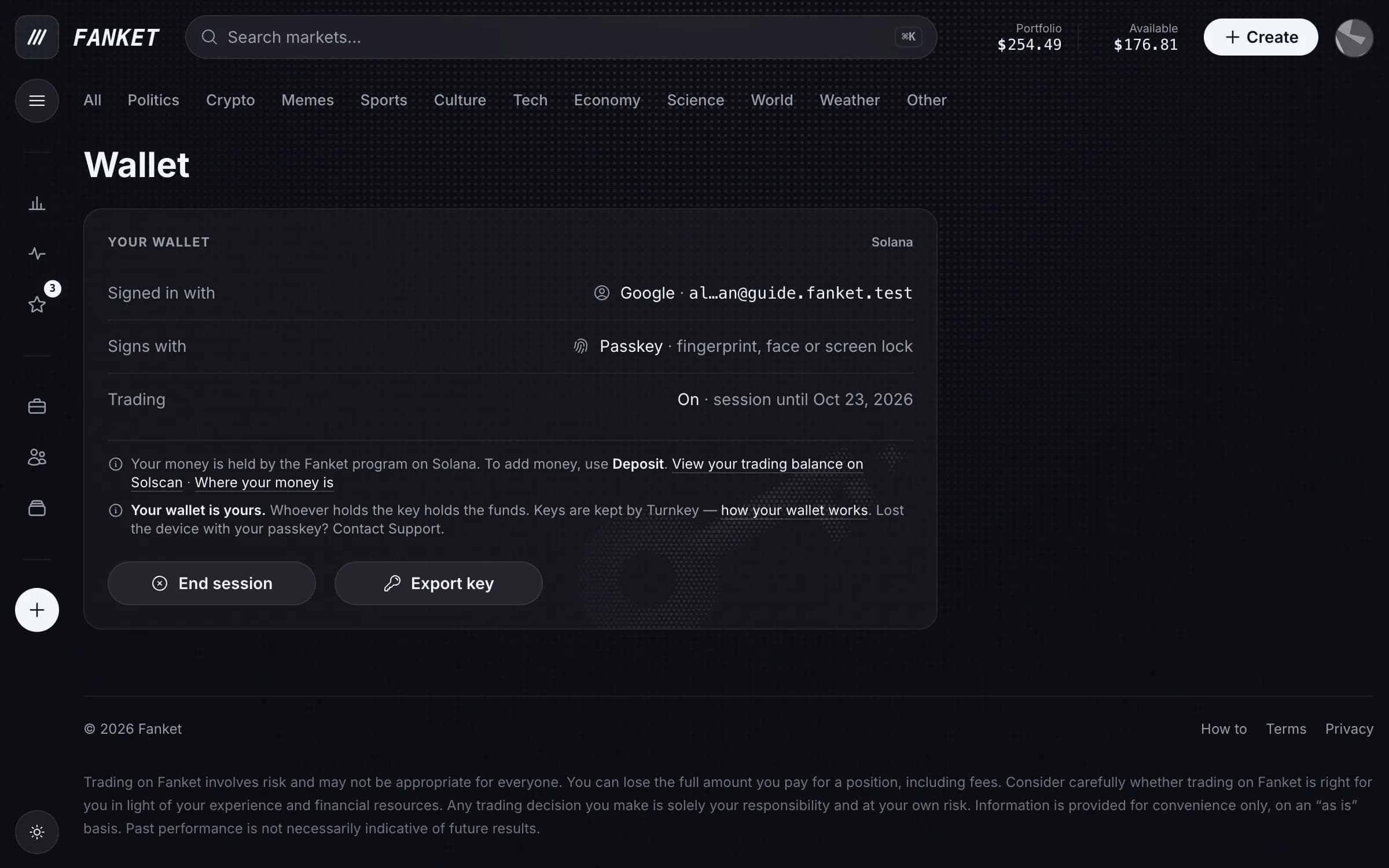
On the Wallet page, press View your trading balance on Solscan. Deposits and withdrawals in Portfolio → History link there too. Solscan opens in a new tab.
Three words you’ll see
Account is any address on Solana. A Token Account is a pocket for one kind of coin, here USDC. Its Owner is who controls the pocket.
What you can check
Each deposit arriving and moving to your trading balance, and each withdrawal leaving it. Trades and payouts with an arrow in Portfolio are there too.
Solscan shows addresses, not names — your nickname and your markets live only in Fanket.
A new transaction can take a few seconds to show up.